




Advanced settings
Learn how to configure the customer settings of the Chatbot.
Updated July 12, 2024
Advanced Settings
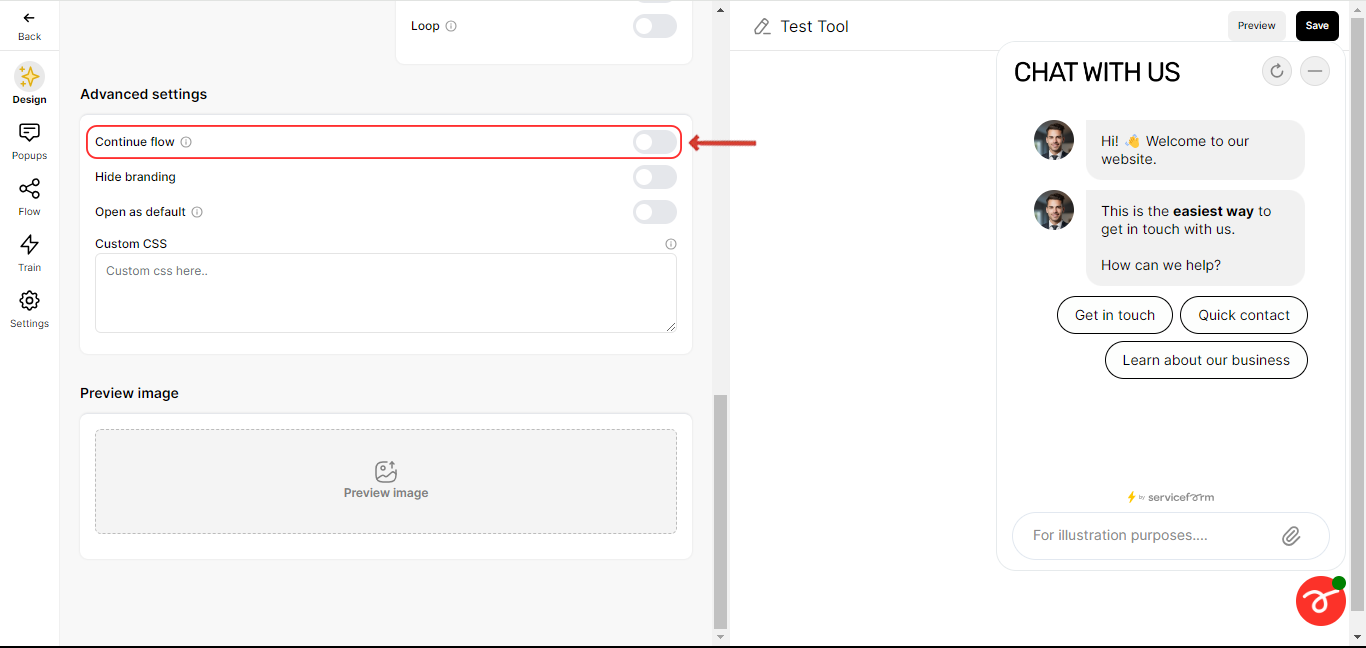
• Continue Flow:
Resume from the user’s previous point when switching pages on the same site, within 30 minutes time frame. If the user re-visits the site again the time frame would be extended by another 30 minutes.
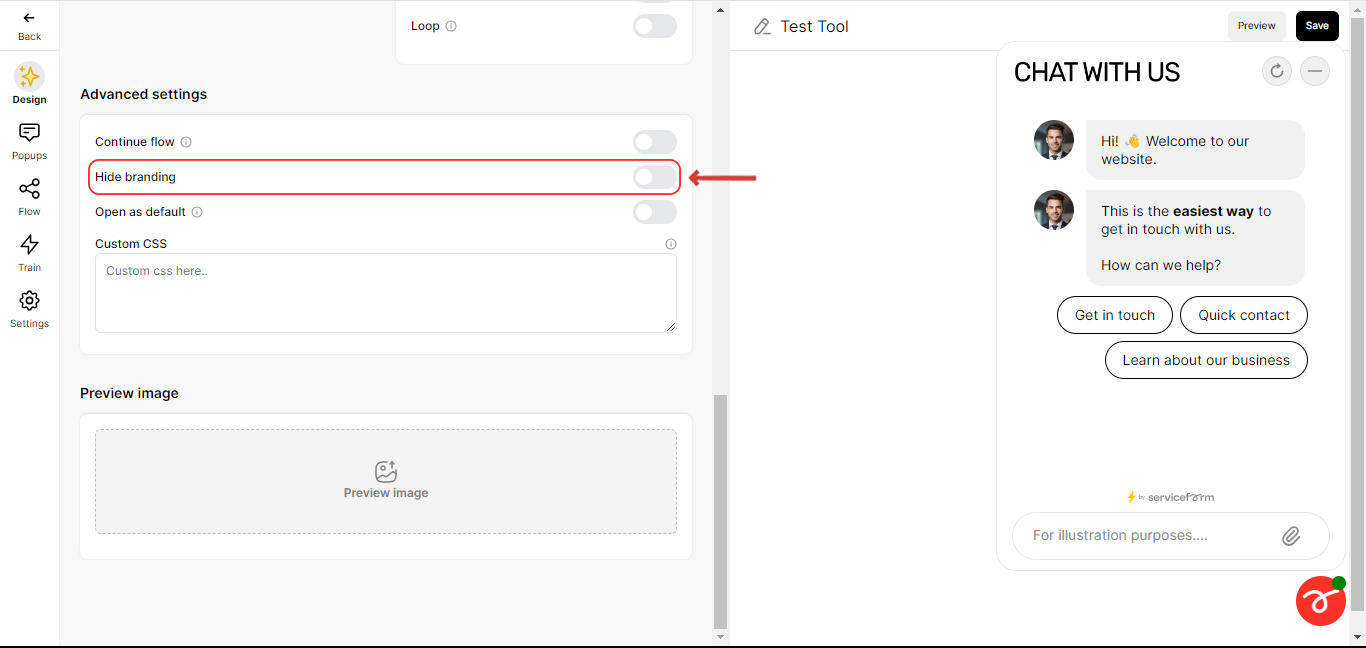
• Hide Our Brand:
Option to remove the watermark or branding.
• Open as Default:
Fully load the chatbot when the page loads.
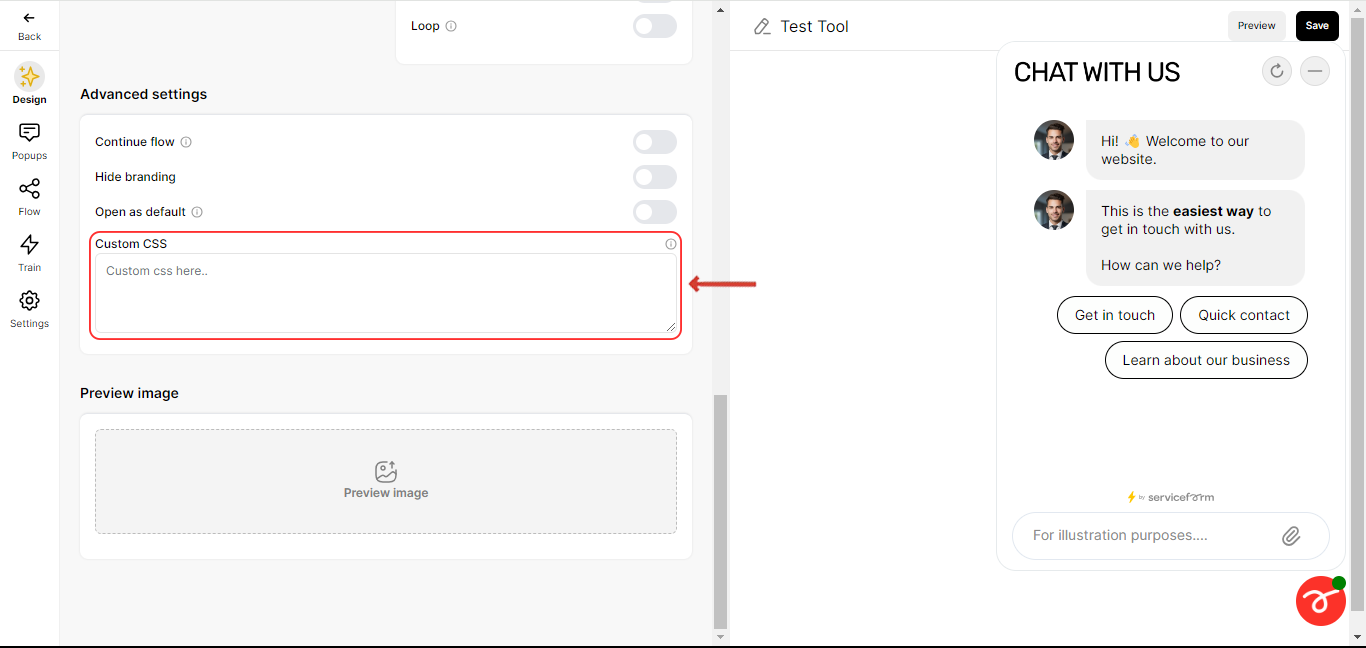
• Custom CSS Coding:
Implement custom CSS for advanced design adjustments.
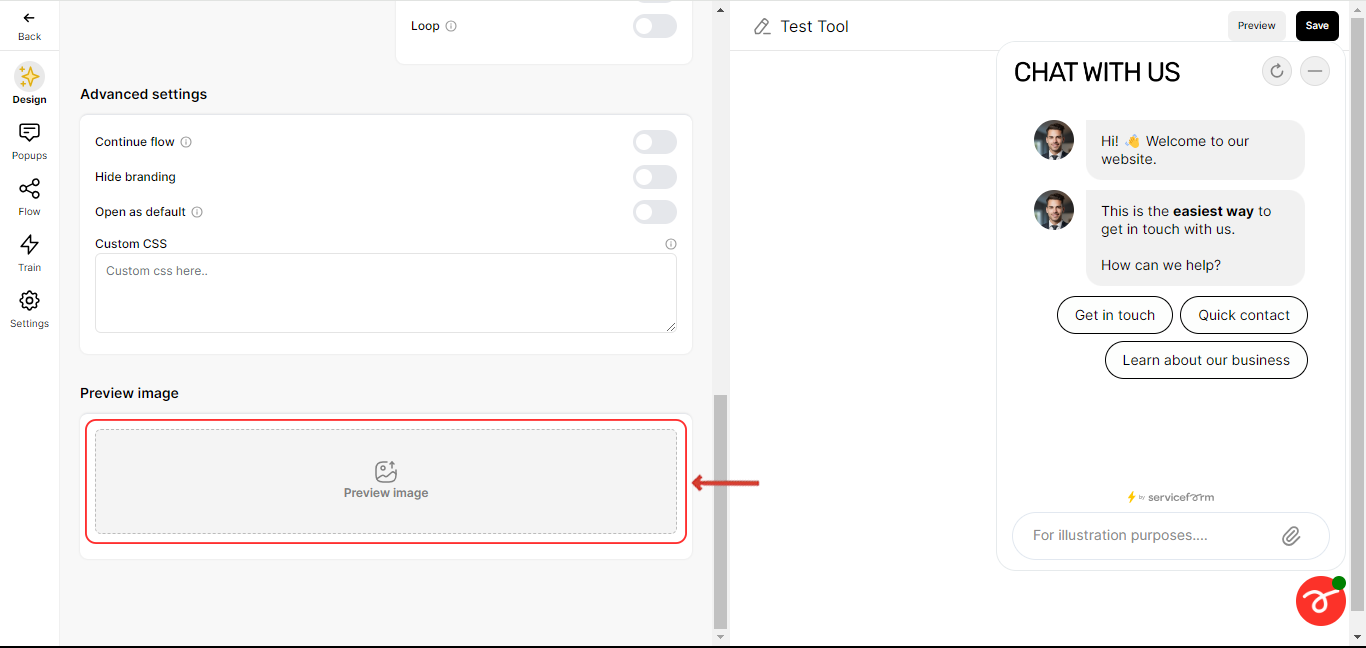
Preview Image
Provides a visual representation of the chatbot integrated into your webpage’s background. You can use the ‘Preview’ option to view the Chatbot with the webpage’s background image. Here’s how you can do it:
Related articles
- Creating a chatbot In just 5 minutes, you can have your very own chatbot up and running with the help of Serviceform's drag-and-drop, no-code chatbot builder.
- Design the Chatbot This section guides you through customizing your chatbot's interface. Optimize design elements for a user-friendly experience with detailed instructions and visuals.
- Customize the Welcome page The welcome page is the initial interaction point for users engaging with your chatbot.
- Pop up design Learn how to configure the Pop up of your Chatbot.