


7 Best Meeting Scheduling Tools for Businesses in 2026
Compare seven meeting scheduling tools for 2026, including Google Calendar, Ourly, Chili Piper, Calendly, HubSpot, YouCanBookMe and SimplyMeet.me.
 Iranthi Gomes · CEO & Co-Founder
Short answer: The best meeting scheduling tool depends on what happens before and after the booking. Choose Google Calendar for a simple option inside Google Workspace, Calendly or SimplyMeet.me for polished general-purpose booking, YouCanBookMe for configurable booking pages, HubSpot when scheduling must live in your CRM, Chili Piper for inbound sales routing and Ourly when website lead capture and team booking need to work together.
There is no honest universal winner. A solo consultant, a support team and a multi-region sales organisation need different routing, permissions and integrations. This 2026 comparison focuses on the buying criteria that matter in production, using current vendor documentation rather than invented scores.
What is a meeting scheduling tool?
A meeting scheduling tool publishes available time slots, lets an invitee choose one and creates the calendar event automatically. Depending on the product, it can also manage time zones, reminders, qualification questions, round-robin assignment, payments and CRM updates.
Before choosing, decide whether you need:
- individual, collective or round-robin scheduling;
- Google, Microsoft or multiple calendar connections;
- lead qualification and owner routing;
- CRM and video meeting integrations;
- branded booking pages or an embedded website experience;
- reminders, rescheduling rules and no-show controls; and
- privacy, data location and access controls that meet your policy.
Pricing and plan limits change frequently, so confirm them on each vendor’s official website before buying.
1. Google Calendar: Best for Google Workspace simplicity
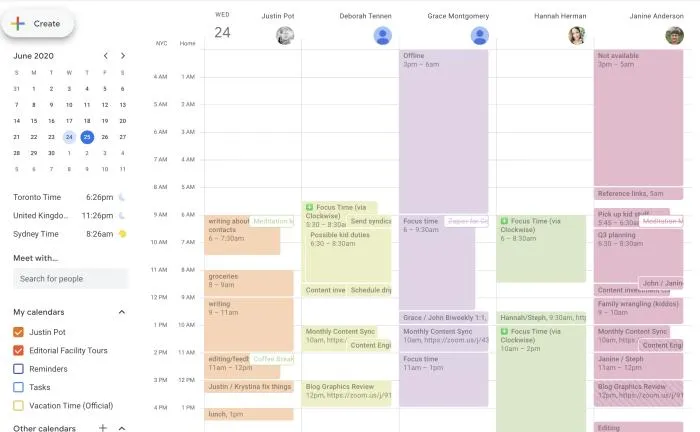
Google Calendar appointment schedules let eligible users create a booking page, define availability and share or embed the page. Google documents features such as buffer time, maximum bookings per day, co-hosts and paid appointments, with availability depending on the Workspace plan.
Choose it when your team already works in Google Workspace and needs straightforward scheduling without another core platform. Check plan eligibility carefully if you need multiple schedules, payment collection or team features.
2. Ourly: Best for website conversion and team booking
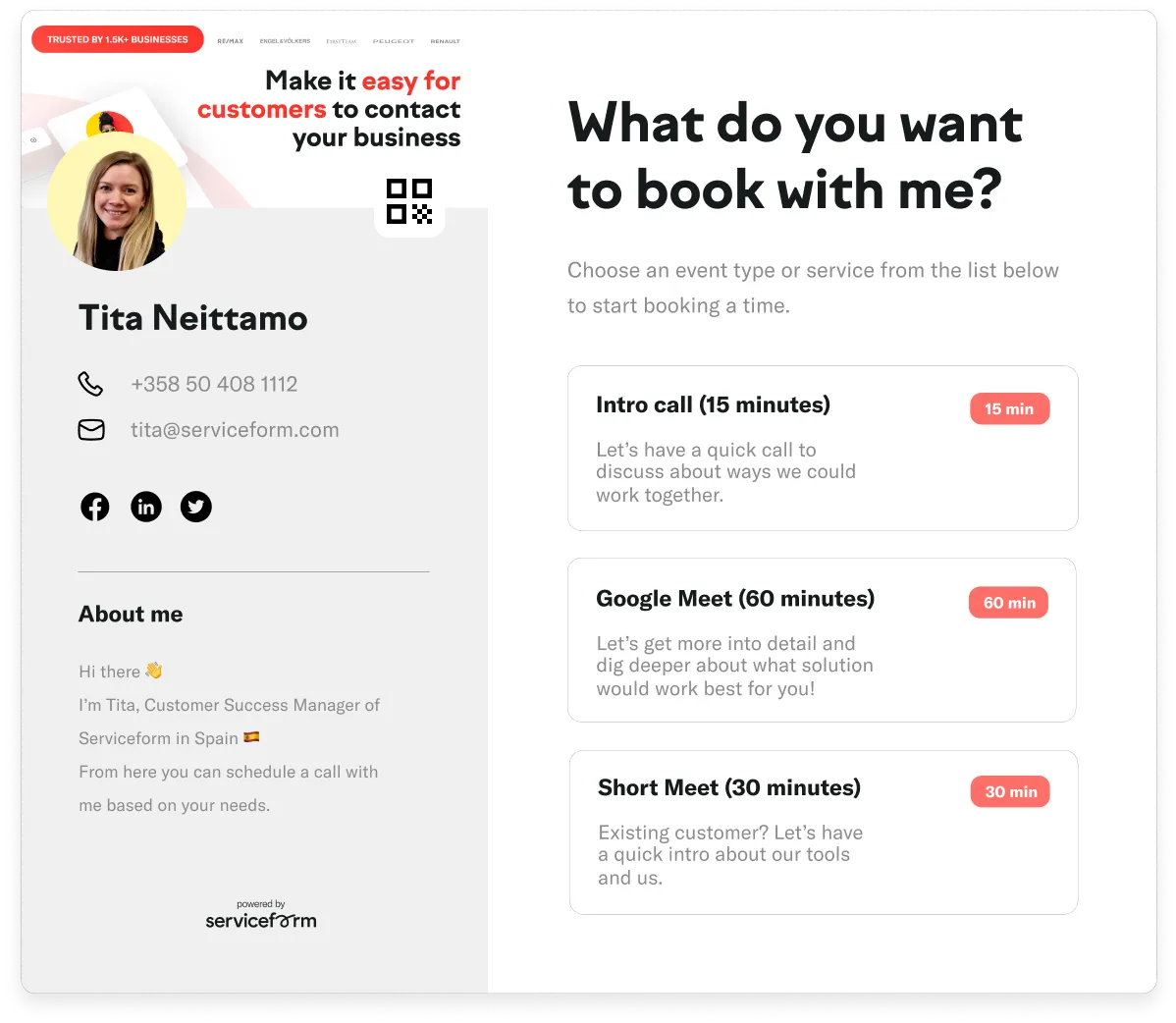
Ourly connects appointment scheduling with the wider website journey. It is a practical fit when a visitor should answer questions, be qualified and then book with the right person rather than land on a generic calendar.
Its value is the connection between conversion tools and scheduling. Teams can use booking links and website experiences while keeping the handoff tied to lead context. That makes it relevant for businesses such as automotive and real estate, where location, product, language or enquiry type may determine who should receive the meeting.
Choose Ourly when scheduling is part of lead conversion rather than a standalone administrative task. Ask for a demo if your decision depends on a specific calendar, CRM or routing workflow.
3. Chili Piper: Best for inbound sales routing
Chili Piper is built around B2B demand conversion and sales routing. Its official product material describes qualifying, routing and scheduling inbound prospects, including form conversion and account ownership workflows.
Choose it when a sales organisation needs to route a qualified buyer to the correct representative immediately. It is more specialised than a personal booking link, so map your CRM ownership and routing rules before evaluating it.
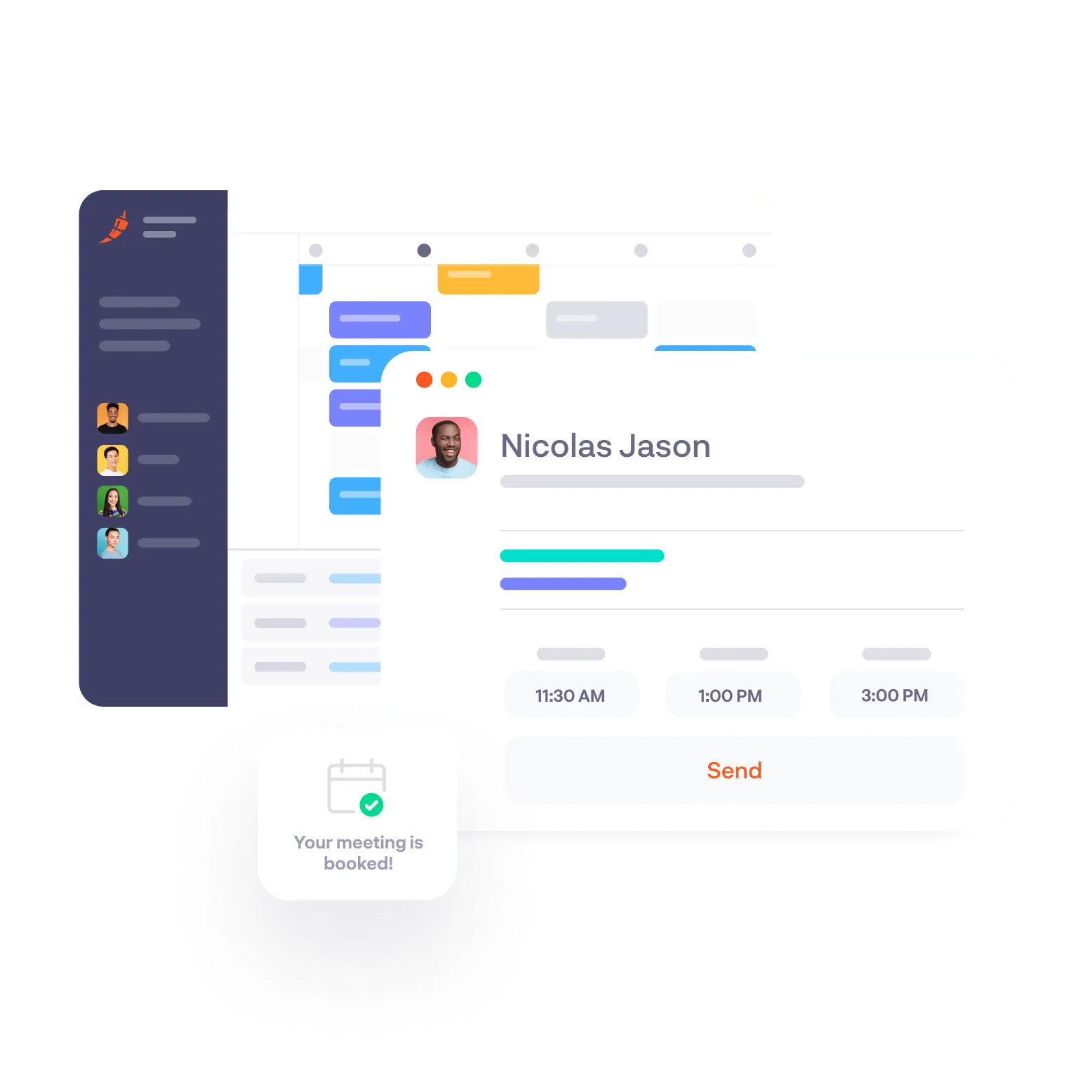
4. Calendly: Best general-purpose scheduling platform
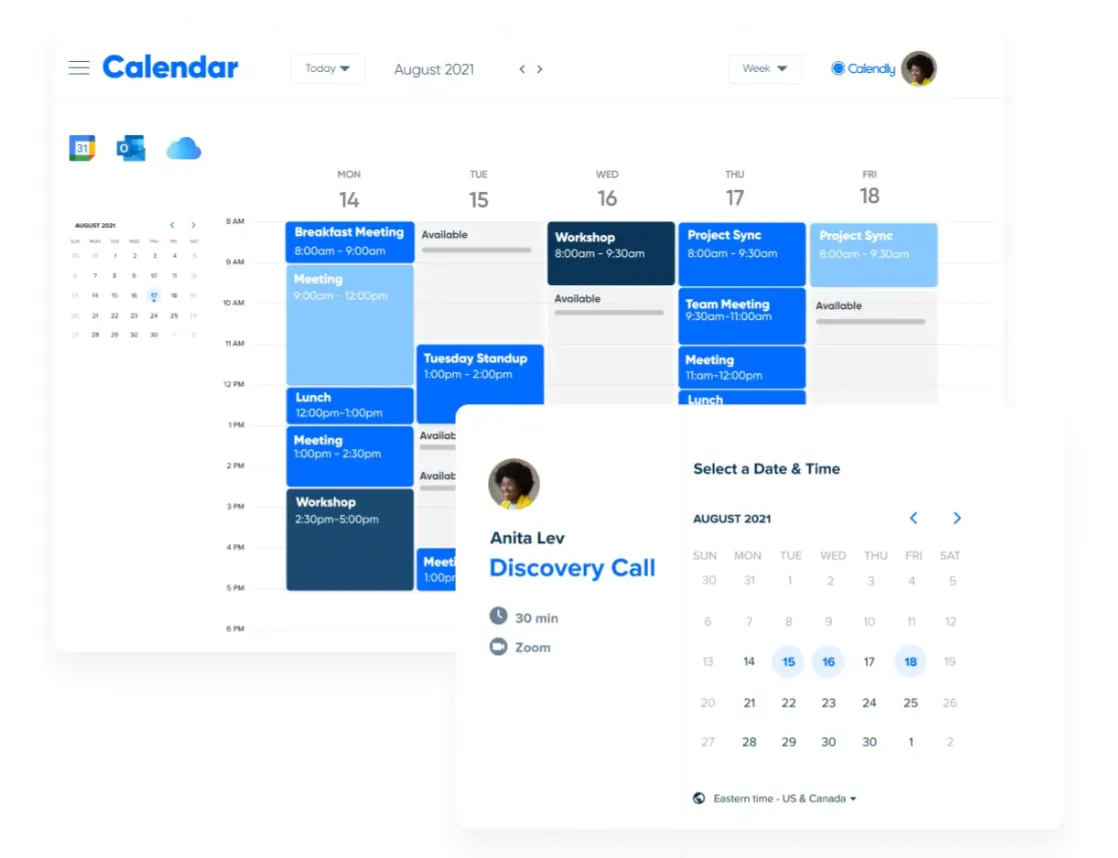
Calendly supports one-to-one, group, collective and round-robin event types, with the exact feature set depending on the plan. It also publishes integrations for major calendars, video meeting services and business systems.
Choose Calendly when you want a widely adopted scheduling layer that can start with individuals and expand to teams. During evaluation, check which routing forms, administrative controls and integrations are included in the plan you intend to use.
5. HubSpot Meetings: Best when HubSpot is your CRM
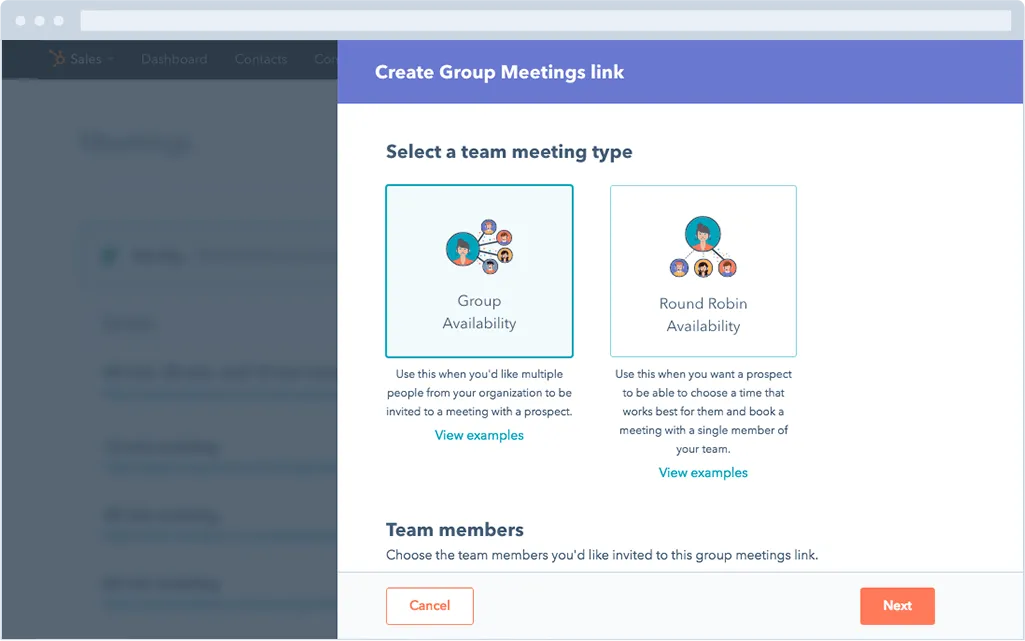
HubSpot’s meeting scheduler connects booking activity with HubSpot contact and sales records. HubSpot documents personal and team scheduling pages, calendar sync and CRM context, while advanced capabilities vary by product and subscription.
Choose it when HubSpot is already the system your sales team uses every day. The operational benefit is less context switching and cleaner contact history. If HubSpot is not your CRM, compare the extra platform commitment against a dedicated scheduler.
6. YouCanBookMe: Best for configurable booking pages
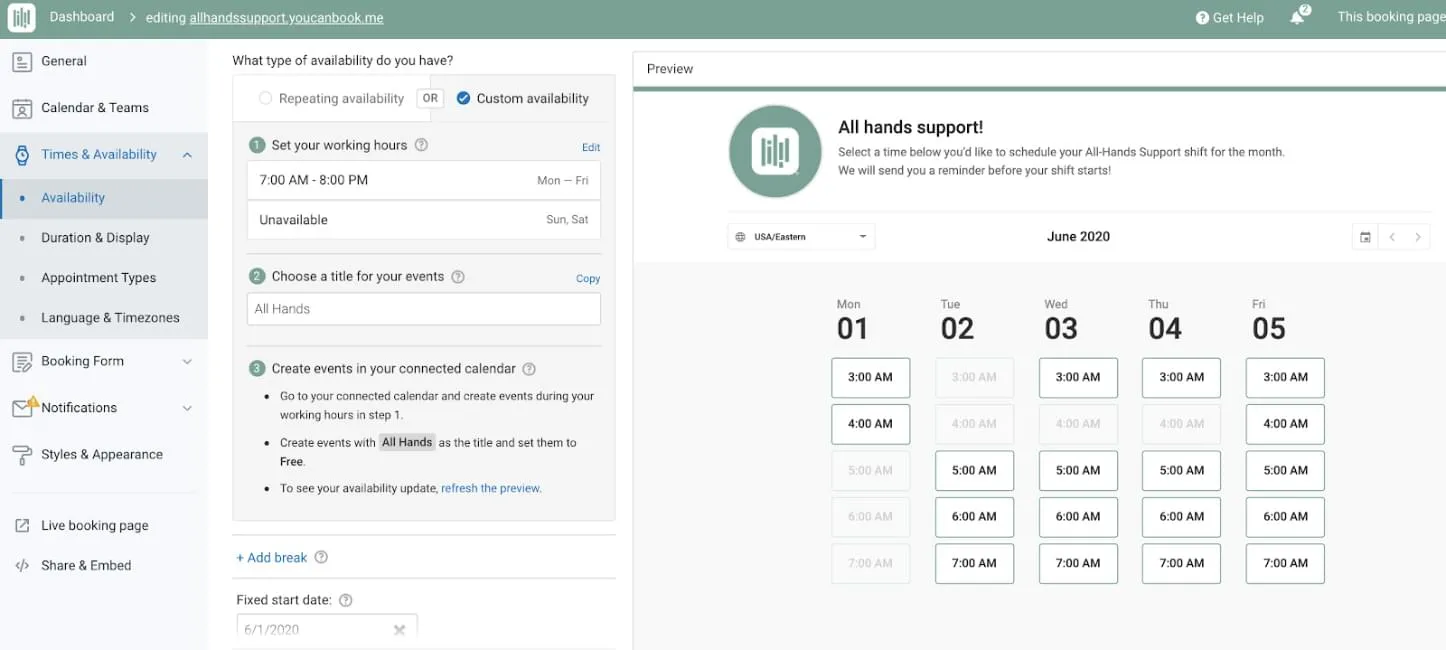
YouCanBookMe focuses on customisable booking pages connected to Google or Microsoft calendars. Its official feature list covers booking forms, notifications, team scheduling, time-zone handling and integrations, with plan-specific limits.
Choose it when the booking page and notification workflow need detailed configuration without buying a larger sales platform. Test the exact team setup you need, especially if several people share availability or booking ownership.
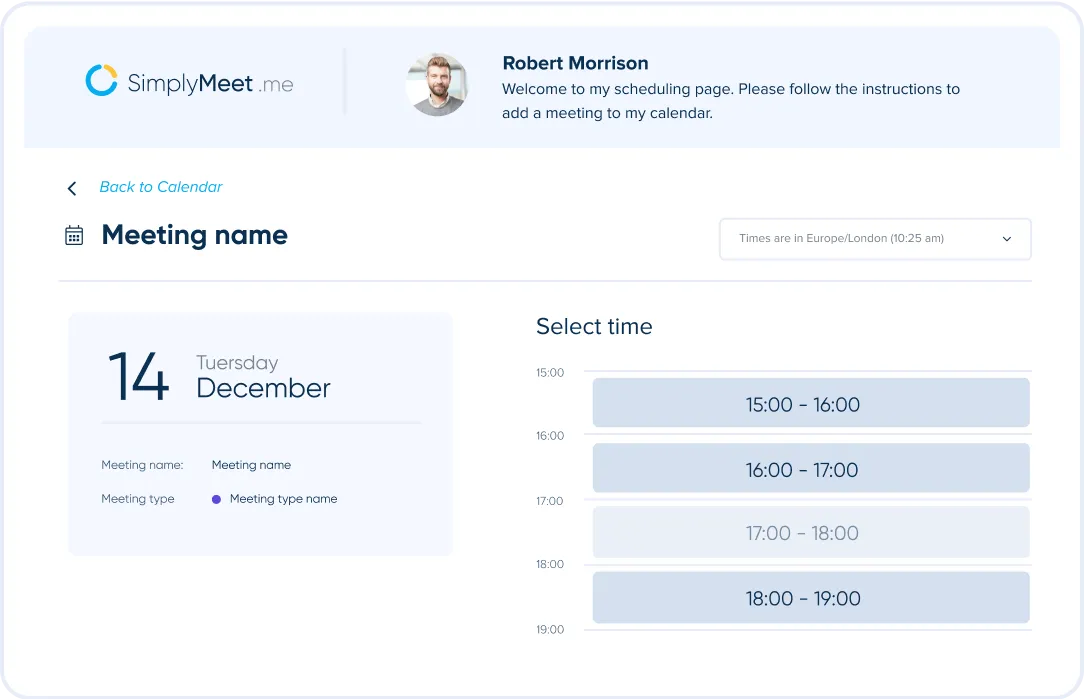
7. SimplyMeet.me: Best for consultants and service businesses
SimplyMeet.me provides booking pages and widgets for individuals and teams. Its published features include calendar integrations, meeting types, reminders and team scheduling, with availability varying by plan.
Choose it when you want a focused scheduling product for consultations or services and do not need a full sales routing platform. Review branding, payment, integration and team requirements against the current plan details.
How to choose the best scheduling app
Use a real workflow, not a feature checklist. Create one test booking for each common scenario:
- A prospect in another time zone books from a phone.
- The assigned team member becomes unavailable.
- A meeting needs two internal attendees.
- The visitor reschedules or cancels.
- The booking must update your CRM or trigger follow-up.
Then inspect what the invitee sees, what your team receives and what data reaches the system of record. A tool that works in the happy path can still create manual work when ownership changes or integrations fail.
For a small team already using one ecosystem, start with its native option. For revenue teams, prioritise routing and CRM integrity. For website-led businesses, prioritise the journey from visitor question to qualified booking.
Frequently asked questions about meeting scheduling tools
What is the best free meeting scheduling tool?
There is no permanent answer because vendors change free-plan limits. Google Calendar, Calendly, HubSpot, YouCanBookMe and SimplyMeet.me publish entry options or trials at different times. Compare current limits for calendar connections, event types, branding, reminders and team use on the official pricing pages.
Can scheduling tools handle time zones automatically?
Most modern scheduling tools can display availability in the invitee’s local time zone. You should still test daylight-saving changes, fixed-location events and travel buffers before rollout.
What is round-robin scheduling?
Round-robin scheduling distributes meetings across a team based on availability and product rules. Some tools also consider account ownership, territory or weighting. Verify how reassignment works when the selected person is unavailable.
Should a scheduling tool connect to a CRM?
Yes, when the meeting is part of sales or customer service. The connection should preserve contact identity, owner, source and meeting outcome. A booking that creates duplicate contacts or loses campaign context can weaken reporting.
Is a meeting scheduler suitable for lead generation?
It can convert existing interest into a booked conversation, but it does not create demand by itself. For lead generation, place scheduling after useful information or qualification and make the next step clear. You can also connect it to an AI chatbot when visitors need answers before they are ready to book.