


Best Chatbot Examples on Websites in 2026
See practical website chatbot examples for real estate, insurance, banking, education, ecommerce and B2B, plus the design lessons behind each use case.
 Iranthi Gomes · CEO & Co-Founder
Short answer: The best website chatbot examples do one clear job well. They help a visitor find the right product, answer a support question from trusted content, qualify an enquiry, book a meeting or hand the conversation to a person with context. A chatbot is useful when it shortens a real customer journey, not when it merely adds a chat bubble.
I build conversational AI at Serviceform. When I evaluate a website chatbot, I look at five things: whether its purpose is obvious, whether answers are grounded in approved information, whether it collects only necessary data, whether it can complete the next action and whether a human can take over.
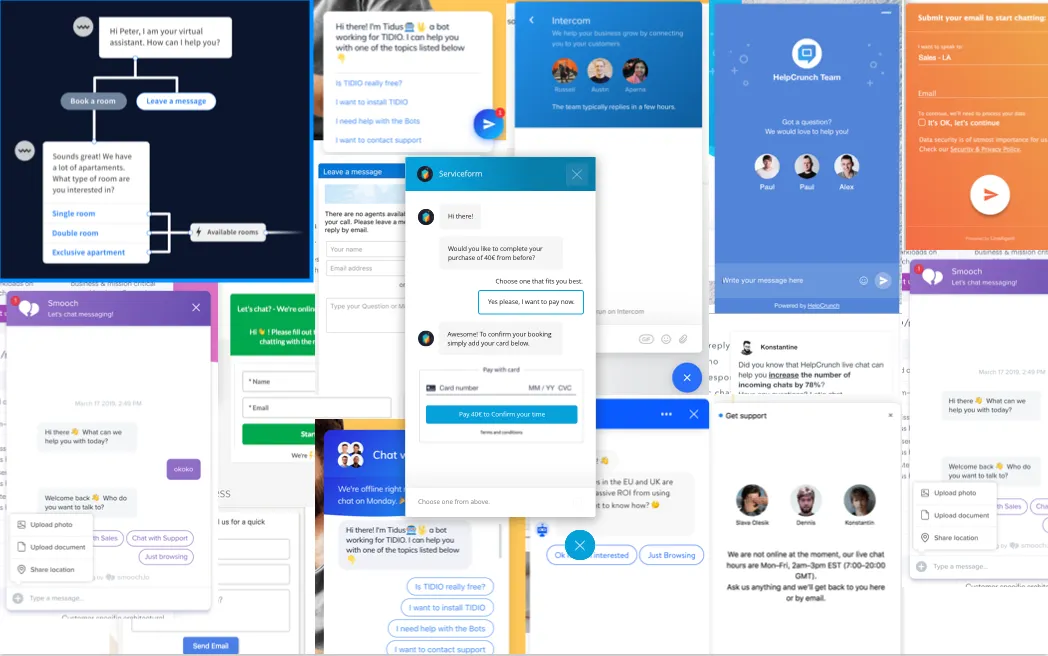
The examples below are organised by industry and use case. Screenshots show real interfaces captured at the time of the original article, so branding and flows may have changed.
What makes a good website chatbot example?
A good chatbot gives the visitor a faster path than navigation, search or a static form. It should:
- state what it can help with;
- ask one relevant question at a time;
- use business-approved content and data;
- avoid pretending to be human;
- preserve context when escalating;
- make privacy information easy to find; and
- measure completed outcomes, not only conversations.
For generative AI, design the failure path before the happy path. If the answer is uncertain, the bot should say so, offer a source or connect the visitor to a person.
Chatbot examples by industry
1. Real estate chatbot example: Match buyers and sellers to the right journey
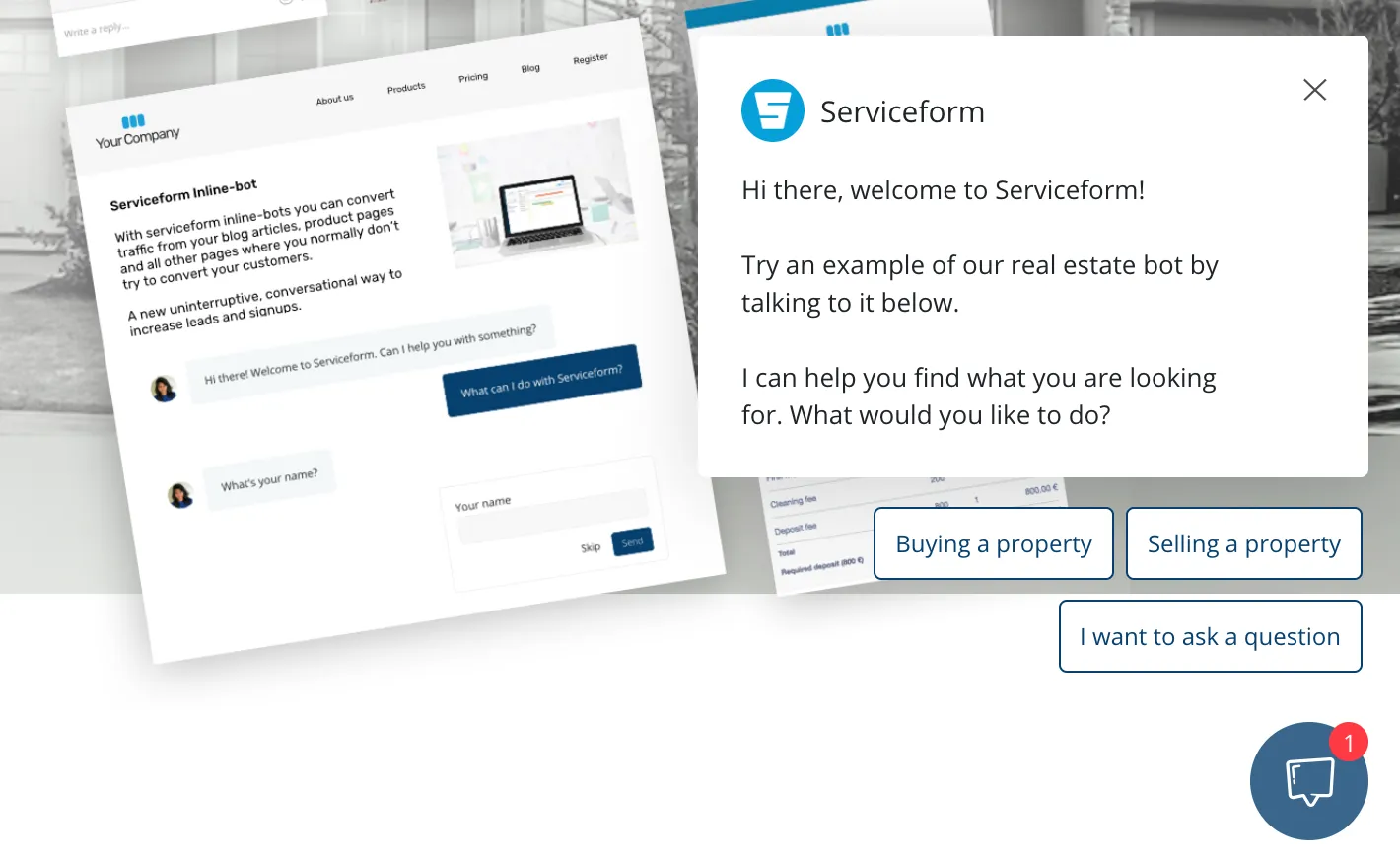
A real estate website often serves several intents at once: buying, selling, renting, valuation and office contact. A useful chatbot identifies that intent, asks for the minimum relevant details and routes the lead to the right agent or property journey.
The strongest implementation connects conversation with live inventory or a controlled knowledge base. It can answer questions such as area, price, bedrooms and viewing availability, then offer a saved search or appointment. Our guide to AI property search for real estate explains how conversational search differs from a scripted lead form.
2. Insurance chatbot example: Guide a defined service process
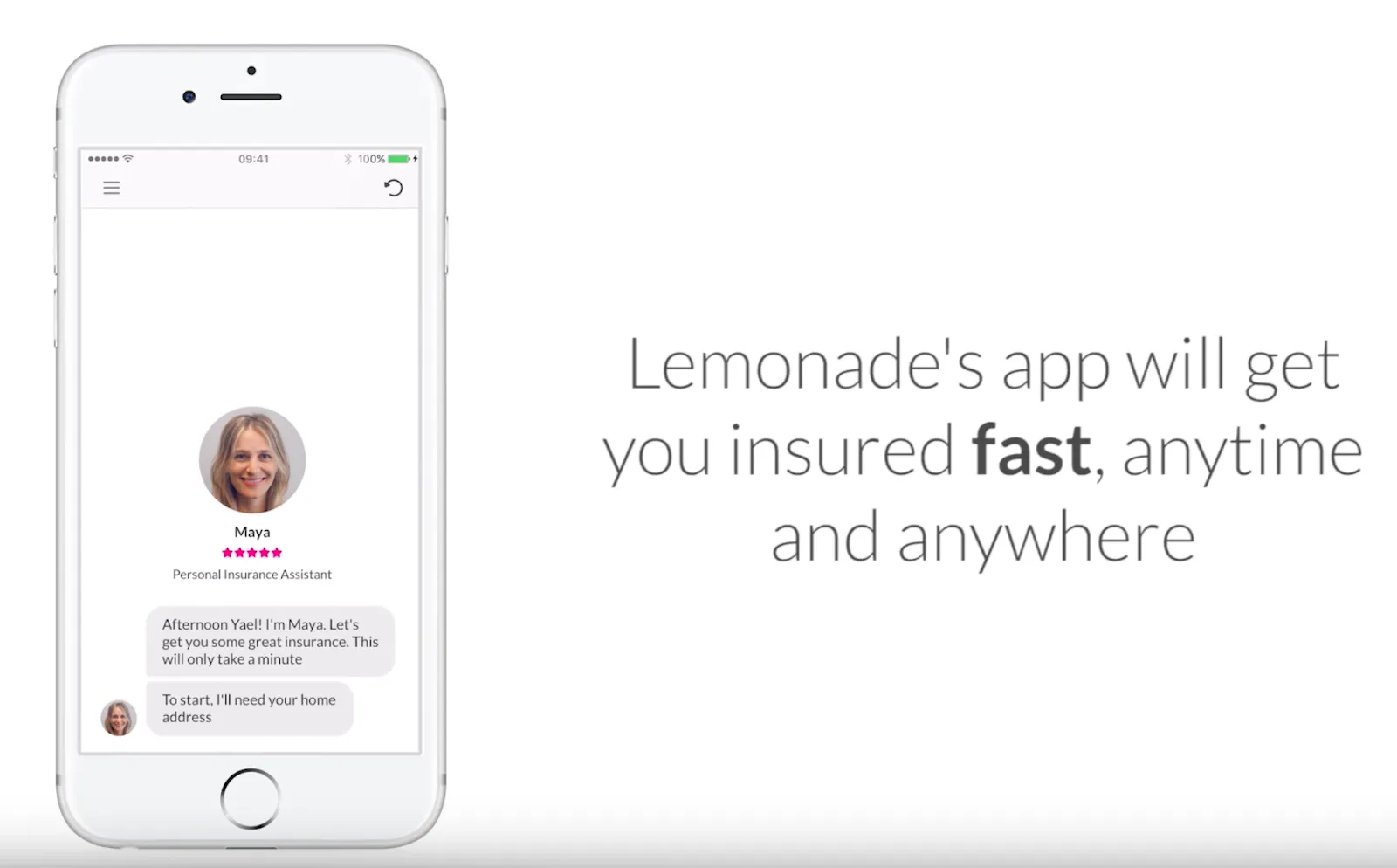
Insurance is a strong chatbot use case when the task has clear boundaries. A bot can explain the next step, collect structured information or provide status without making an unsupported coverage decision.
Lemonade’s official explanation of its claims process describes a digital flow in which its bot asks questions and collects information for a claim. The lesson is not that every insurance conversation should be automated. It is that automation works best when the process, evidence and escalation rules are explicit.
3. Banking chatbot example: Resolve common authenticated requests
Banking assistants are most useful for repetitive, account-specific tasks such as finding a transaction, checking a balance or locating support. Those use cases require authentication, auditability and strict controls that a generic website bot does not provide.
Bank of America describes Erica as a virtual financial assistant within its mobile banking experience on the official Erica product page. For a public banking website, a safer chatbot role is often navigation and general information, followed by a secure handoff for account questions.
4. Catering chatbot example: Turn an event brief into a qualified enquiry
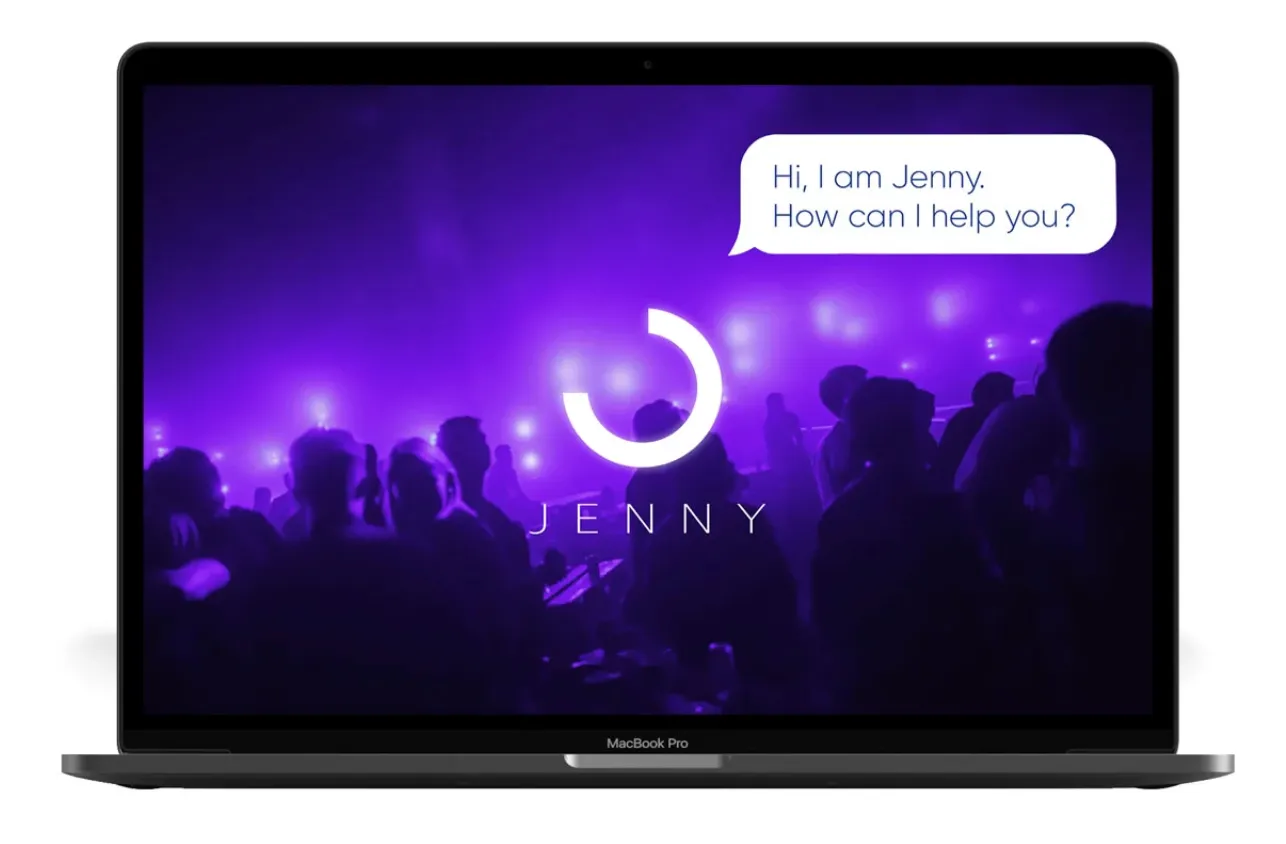
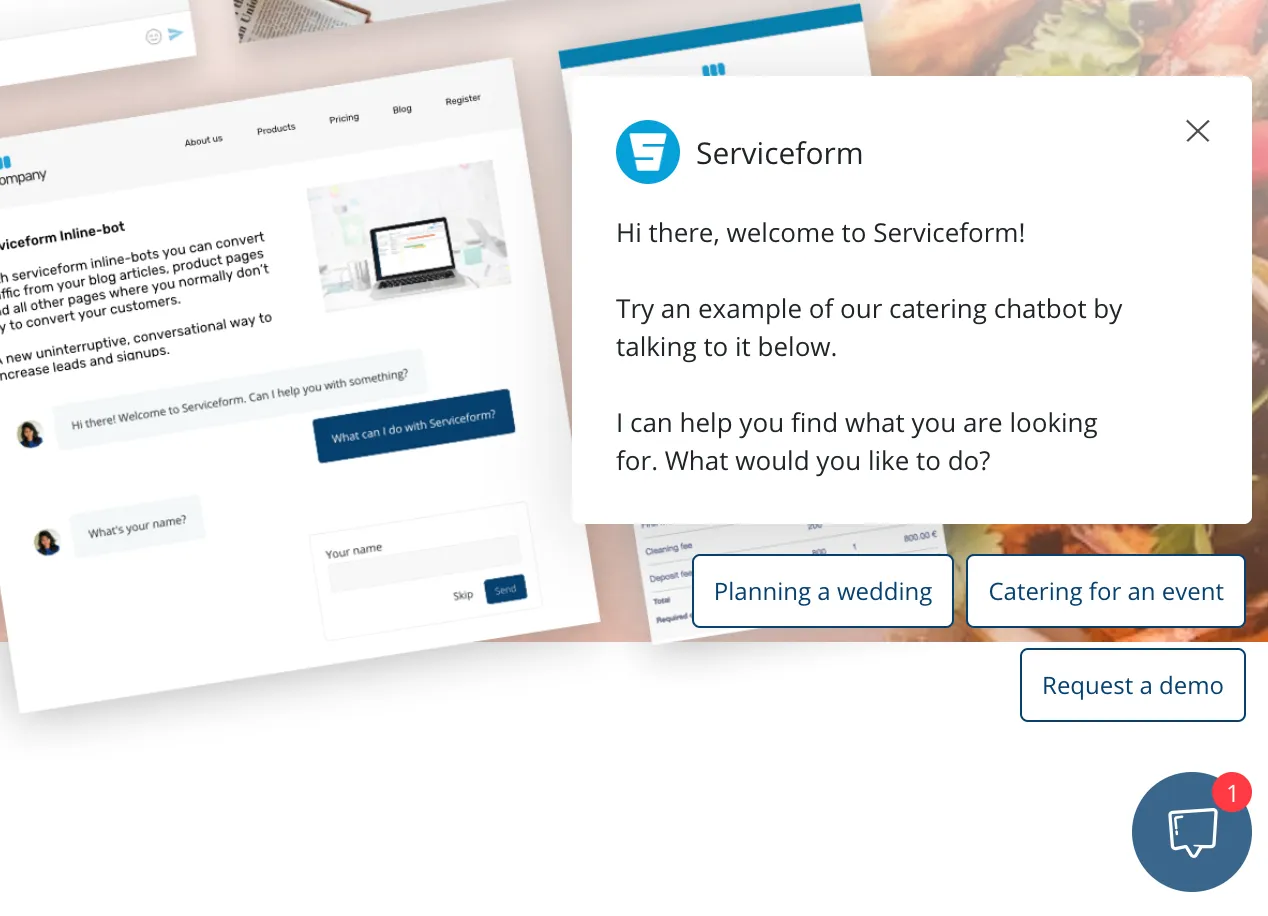
Catering enquiries usually begin with predictable questions: date, location, guest count, dietary needs, service style and budget range. A chatbot can collect that brief conversationally and send a structured summary to the catering team.
The bot should not promise availability or a final price unless it reads from an authoritative booking and pricing system. Its job is to reduce form friction and give the team enough context for a useful response.
5. Media chatbot example: Help readers discover relevant content
A media or knowledge website can use a chatbot as a conversational index. Instead of returning ten blue links, it can summarise the relevant material and cite the original articles.
This pattern needs strong retrieval and visible sources. The bot should distinguish between the publisher’s archive and its own generated explanation. It should also avoid inventing an answer when the archive does not contain one.
6. University chatbot example: Find information across a complex website
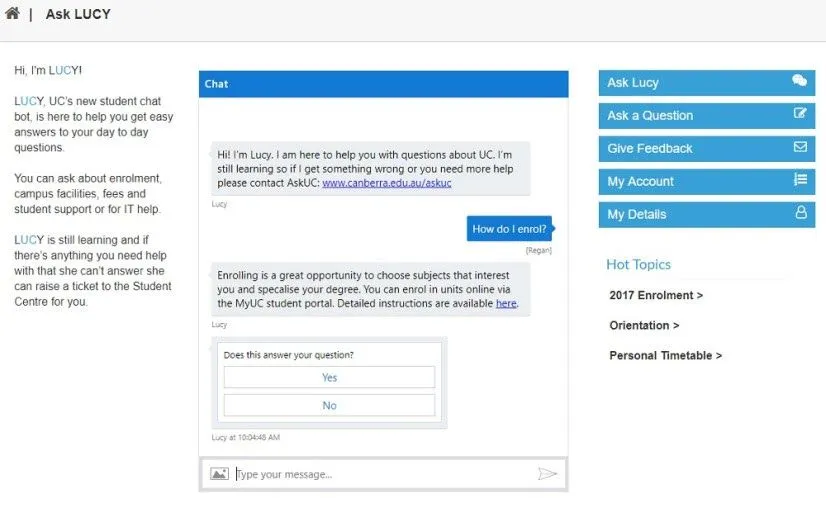
University websites contain admissions, course, fee, housing and support information owned by different departments. A chatbot can help users find the correct official page and understand the next step.
The University of Canberra published an example of its student chatbot Lucy in an official university newsroom article. For current implementations, universities should treat dates, eligibility and fees as source-controlled information and link every important answer back to the authoritative page.
7. Ecommerce chatbot example: Recommend products with explainable criteria
An ecommerce chatbot is valuable when the catalogue is difficult to browse with filters alone. It can translate a request such as “a waterproof jacket for a wet winter commute” into product attributes, explain why each option fits and keep filters visible.
The assistant should read current product data for price, stock, size and delivery. If it cannot access live data, it should say so. A good experience sends the visitor to the product page or cart with their selected context intact rather than trapping them inside chat.
8. B2B and SaaS chatbot example: Qualify, answer and route
A B2B chatbot often serves two distinct jobs:
- Help existing customers find support information.
- Help potential buyers understand fit and reach the right team.
Do not blend those paths into one long script. Identify the visitor’s goal early, answer from the appropriate source and route sales enquiries using criteria your team actually uses. If an account owner or CRM record exists, preserve that ownership.
Mira AI is Serviceform’s approach to this pattern: ground answers in company knowledge, collect useful context and connect the visitor to the next action. If European data processing is part of your review, see our GDPR-compliant AI chatbot guide.
9. Automotive chatbot example: Search live inventory conversationally
Vehicle shoppers do not always know which filter values match their need. They may describe family size, driving pattern, budget and concerns in plain language. A chatbot connected to live inventory can convert those requirements into explainable recommendations and offer a test drive.
The important technical detail is inventory grounding. Prices, availability and vehicle specifications must come from the dealership’s current data, not the model’s memory. See the full AI car search guide for implementation patterns.
10. Hotel chatbot example: Answer practical pre-booking questions
Hotel visitors ask about check-in, parking, breakfast, pets, accessibility and room suitability. A grounded chatbot can answer those questions from approved property information, then send the visitor to the booking engine.
It should not quote live rates or room availability unless it is integrated with the relevant reservation system. Clearly separate general property information from booking data.
11. Support chatbot example: Answer from verified help content
A support chatbot can resolve repetitive questions when the help centre is accurate and the bot cites it. It should gather product, account and error context before escalation so the customer does not repeat the story.
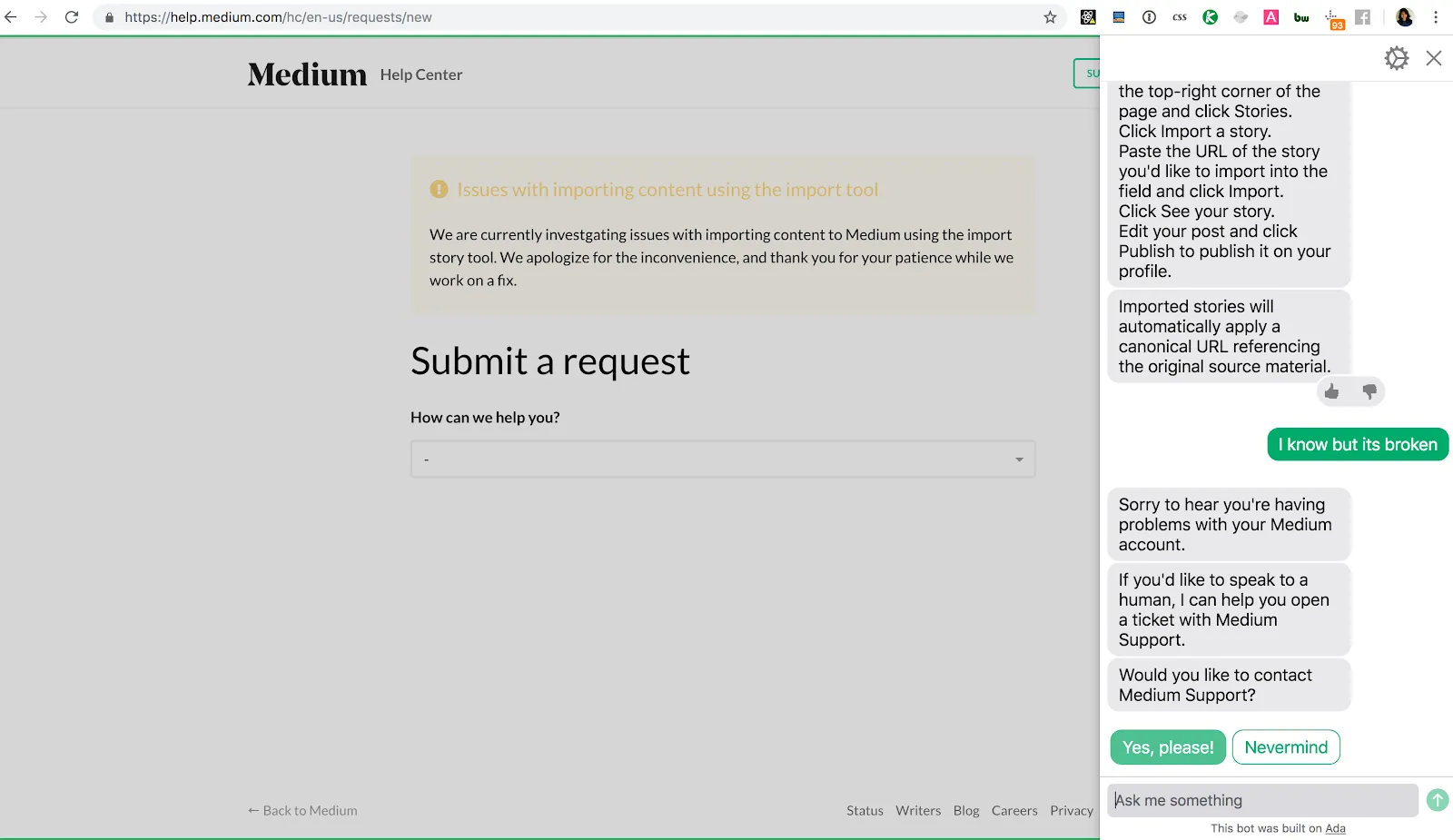
Intercom’s official Fin documentation describes an AI agent that uses support content and can hand conversations to a support team. Whatever product you choose, test unanswered questions, conflicting articles and permission boundaries before launch.
12. Appointment chatbot example: Book the correct person, not just a time
A booking chatbot can ask what the visitor needs, identify location or language and then show relevant availability. This is more useful than placing the same calendar in front of every visitor.
The conversation should explain why it asks each qualifying question and should not block people who simply need contact details. Compare the routing options in our guide to the best meeting scheduling tools.
What are businesses using website chatbots for?
The most defensible uses are:
- answering questions from controlled content;
- product or inventory discovery;
- lead qualification and routing;
- appointment booking;
- support triage;
- order or application status through an authenticated integration; and
- structured data collection before human service.
Start with one high-volume journey where customers already experience friction. Define the source of truth, completion event, escalation owner and data retention policy before choosing the model or widget.
Frequently asked questions about website chatbot examples
What is the best example of a chatbot on a website?
The best example is one that completes a valuable customer task with less effort and acceptable risk. For one business that may be product discovery; for another it may be support triage. Brand recognition is not evidence that a chatbot fits your use case.
What is the difference between a scripted chatbot and an AI chatbot?
A scripted chatbot follows predefined branches and is predictable within a narrow flow. An AI chatbot can interpret free-form language and generate or retrieve answers, which improves flexibility but requires grounding, testing and failure controls. Many production systems combine both.
Should a chatbot pretend to be a person?
No. Tell users that they are interacting with an automated assistant and make human support available where appropriate. Clear expectations improve trust and help users phrase requests effectively.
How do you measure whether a website chatbot works?
Measure completed customer outcomes such as a resolved question, qualified lead, booked meeting or successful handoff. Also track unanswered questions, incorrect answers, abandonment, escalation quality and duplicate contacts. Conversation count alone is not a success metric.
What information should a chatbot not collect?
Do not collect personal or sensitive data unless it is necessary for the task, protected appropriately and covered by a clear purpose and retention policy. Payment credentials, medical information and account secrets require purpose-built secure systems, not a general chat transcript.
How do you add an AI chatbot to a website?
Define one use case, prepare approved source content, configure actions and escalation, then test representative and adversarial questions before publishing. Our AI chatbot product page shows how Serviceform approaches website deployment and knowledge grounding.